antics.gg
21 games, 0 developers · 186,412 plays · 0 knows what they're doing

ONE COMMAND · THEN ASK FOR A GAME

Make a multiplayer game with Claude.

Claude can write the whole game — physics, art, rules, the lot. What it can't do from your laptop is be the server: the always-on thing every player's browser talks to, that keeps four people in the same match at once. Connect antics and Claude gets one. It writes the game, ships it, checks it actually works, and hands you a link your friends click.

Play one that exists

FREE TO START · NO ANTICS ACCOUNT NEEDED · CLAUDE WRITES THE GAME, ANTICS RUNS THE MULTIPLAYER.

claude code
› claude mcp add antics -- npx -y antics-mcp
Added MCP server antics
› four players in a park, geese stealing sandwiches. two-minute rounds. make it multiplayer and ship it.
reading the antics docs — the whole SDK in one file
deploying — 1 file, 14 KB
checking it — 2 players, 1 room, scores agree
Done. Send your friends: antics.gg/r/KX7P2M
# Claude Code
claude mcp add antics -- npx -y antics-mcp
WHY THE ONE COMMAND IS THE WHOLE TRICK

Claude can write a multiplayer game. It can't be one.

Every "why doesn't my AI-built game work with friends" question has the same answer, and it isn't about the code Claude wrote.

A multiplayer game is two programs

There's the one in the browser, and there's a second one in the middle that every player's browser talks to — it decides who's in the room, whose score is real, and what everyone sees. Claude is very good at the first one. The second one has to be awake at 11pm when your friend finally clicks the link, and localhost is not a place anybody else can go.

So we run the second one

Rooms, live state sync about 20 times a second, who joined, who left, events, leaderboards, and the hosting under all of it. Your game asks to join a room and gets the lot. Nobody writes a matchmaker, nobody rents a server, nobody makes players sign up before they can play.

The MCP is just the doorway

MCP is the standard that lets an AI use real tools instead of guessing. One command wires antics into Claude — after that it can ship your game and check that it works in the same conversation where it wrote it. You never open a dashboard. That's the whole of what you need to know about it.

import { joinRoom } from "/sdk/v1.js";
const room = await joinRoom({});   // that's the multiplayer

No MCP in your setup? Hand Claude antics.gg/llms.txt — the whole multiplayer API in one file, written to be read once and used correctly.

FIRST, THE HONEST BIT

Which Claude do you have?

Both paths end in a playable multiplayer link. They differ in how much of the work you do by hand — so pick before you start rather than halfway through.

CLAUDE CODE FULL PATH

Claude Code, or anything that can run tools on your machine

One command and Claude has hands: it can ship the game and check the result, not just write the file and hope. Codex works the same way, with the same server.

  • Claude reads the whole SDK itself before writing a line
  • It ships without you: single HTML file or a real multi-file project
  • It plays its own game — two players, one room, headless
  • Bugs get fixed against the running game, not against a guess
See the MCP kit →
CLAUDE.AI COPY-PASTE PATH

Just the chat app in a browser

Claude writes the game just as well here — it simply has no hands on your machine, and a preview pane can't reach our servers. So the shipping step is yours: one paste.

  • Ask for one self-contained HTML file that imports /sdk/v1.js and calls joinRoom({})
  • Paste our SDK reference into the chat first — it's one file, written to be held in view all at once
  • Copy the HTML into the deploy box on make a game and you get the same link
  • Trade-off: Claude can't see the running game, so iteration is you reporting back
Open llms.txt →
THE SETTING THAT CHANGES THE GAME MOST

Use Opus 5

Of everything on this page, this is the one that moves the result the furthest — and it's a thirty-second change.

WHAT WE REACH FOR

Opus 5

Our pick for a new game, on two counts: in our builds it draws the better-looking game — nicer shapes, nicer light, more taste in what a thing should look like — and it does it for roughly half what Fable 5 costs, so a night of iterating goes about twice as far. Switch before the first prompt: /model in Claude Code, the picker above the chat box on claude.ai.

WHY IT MATTERS HERE MORE THAN USUAL

A game is not a snippet

One build has to hold physics, input, netcode, round structure and art direction in its head at the same time, and keep them consistent for hundreds of lines. A smaller model writes each of those plausibly and none of them together — which is how you end up with a game that runs fine and isn't fun.

WHERE YOU CAN GO CHEAPER

After it exists

The first build is where the model earns its keep. Once the game is up and you're on "make the goose bigger", "slow the last round down", a lighter model handles it fine. Spend the good one on the shape of the thing.

Want to see what a good model does with a good brief? Every one in the prompt gallery is a copy-paste brief that ships a working multiplayer game — start from one instead of from a blank line.

A WORKED EXAMPLE

One sentence in, one link out

What actually happens between the prompt and the group chat. Four steps, real commands, real URL shapes.

  1. STEP 1

    Connect antics to Claude, once

    One line in your terminal. There's nothing to sign up for, and nothing gets added to your game's code.

    # Claude Code
    claude mcp add antics -- npx -y antics-mcp
    
    # Codex (same server)
    codex mcp add antics -- npx -y antics-mcp
  2. STEP 2

    Describe the game like you'd describe it to a friend

    Players, goal, controls, round length. The one line worth adding is the instruction to actually ship it — otherwise you get a game on localhost, which is a game nobody can join.

    Make me a multiplayer browser game and host it on antics (https://antics.gg).
    
    The game: four players in a park, geese stealing sandwiches, the goose with the most sandwiches wins. Arrow keys or taps, a round lasts about two minutes, make it funny.
    
    Read the antics docs before you write anything. Ship it when it's ready, then run a two-player check to prove the sync really works before you hand it to me.
    
    Give me the playable link at the end.
  3. STEP 3

    Claude writes it — the multiplayer part is two lines

    This is the whole integration for a hosted game. Everything else — who's here, events, leaderboards — hangs off that one room object.

    import { joinRoom } from "/sdk/v1.js";
    const room = await joinRoom({});   // auto-detects server + room code
    
    room.setState({ phase: "play" }); // shared world — HOST only
    room.me.setState({ x, y });        // your slice — everyone writes their own

    Two state surfaces, and mixing them up is the classic first bug: routing every player's movement through the host adds a network hop to your own controls and feels like mud.

  4. STEP 4

    Take the right link

    A deploy hands back more than one URL, and they are not interchangeable. This is the part people get wrong once and only once.

    Two of those three need an account, and it's free — one GitHub click buys links that never expire, leaderboards that survive the night, and 16-player rooms. Only testing? Deploy without one and you get a keyless room: 8 players, gone in 24 hours, and the link is stuck to that exact build.

FROM BUILDING THE GAMES IN OUR OWN GALLERY

Four things Claude gets wrong the first time

Not theory — each of these ate real hours building the games in our gallery, and each one is worth pasting into your prompt before Claude writes a line. Every one of them is a bug that looks like something else.

SYMPTOM · "the timer runs slow, but only for everyone else"

The host must never ease toward its own echo

Any shared clock the host publishes comes back about 100 ms stale. If the host smooths its own clock toward the value it just read from state, it's easing toward its own shadow — and the authority drags. Measured at 1.6× slow with a 9 Hz stream echoing.

Fix: guard every shared-clock ease with !isHost. Clients ease; the authority never does.

SYMPTOM · "everything fires twice on my phone"

An iOS tap arrives a second time as a mouse

A touch tap is replayed as a synthetic mouse pointer event at the same coordinates roughly 100 ms later. Buttons double-fire, one tap spends two turns, a menu opens and instantly closes.

Fix: stamp lastTouchT on capture-phase touch events and read it in every handler — e.pointerType === "mouse" && performance.now() - lastTouchT < 800 → bail. Stamping without reading is the half-fix that shipped this bug twice.

SYMPTOM · "the guy who rage-quit won"

Leaver ghosts survive every elimination round

A disconnected player never self-reports a death. In any last-one-standing game the ghost outlives everybody by doing nothing at all, and wins.

Fix: prune disconnected ids from the roster at every natural boundary — round intro, match start — not just on the leave event.

SYMPTOM · "the hit connects but nothing moves"

Knockback dies inside the victim's own speed clamp

The impulse is applied, then the victim's next steering frame clamps velocity back to walking speed and swallows it. We measured a 23 u/s impulse displacing a victim 2 units before this was fixed.

Fix: knockback must bypass the movement clamp — a brief stun with no input and a lifted cap, scaled by impulse. And measure the actual displacement rather than trusting that the code reads right.

The one instruction that changes the output most

Ask Claude to write the rules as a headless module first — no DOM, no three.js, no networking — and to prove it with a script that plays the game to completion, before any renderer exists. That's where a design gets fixed cheaply: the proof run finds unwinnable layouts, camping strategies and rounds that never end. A playtest only ever feels those as vague unfairness, three days later, with art already painted on top.

More prompts that work →

Written by the antics team from the games in our own gallery — every number above came off a build we shipped and had to fix. Last updated 27 July 2026.

BUILT THIS WAY, PLAYABLE RIGHT NOW

Multiplayer games that came out of this loop

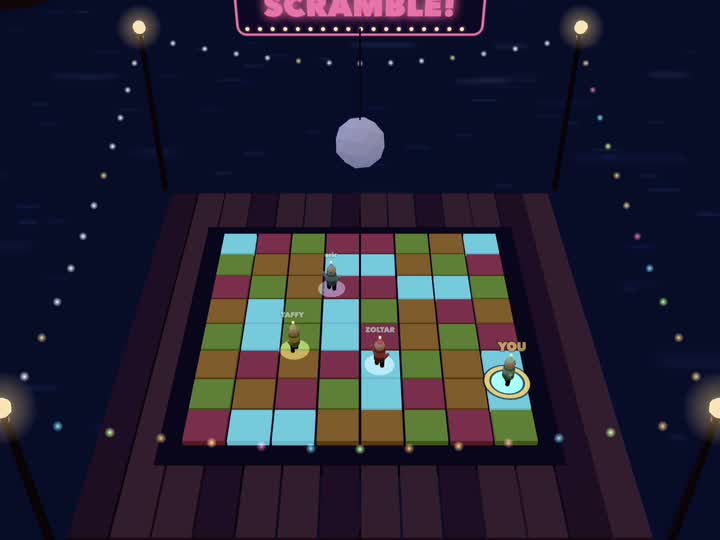
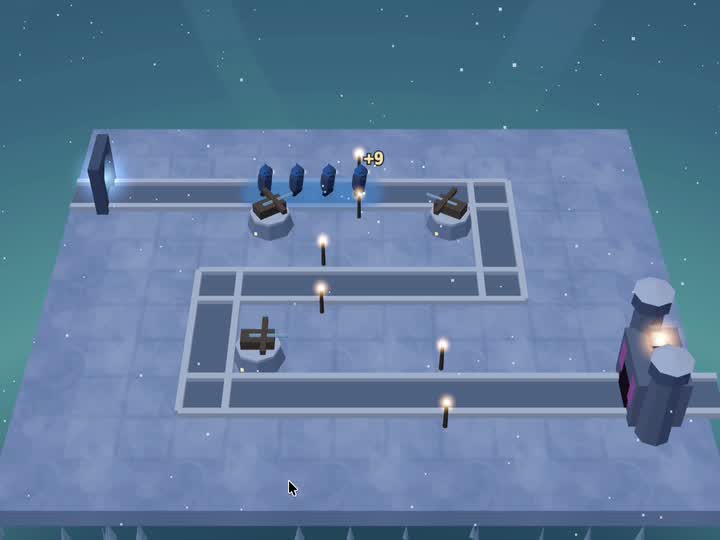
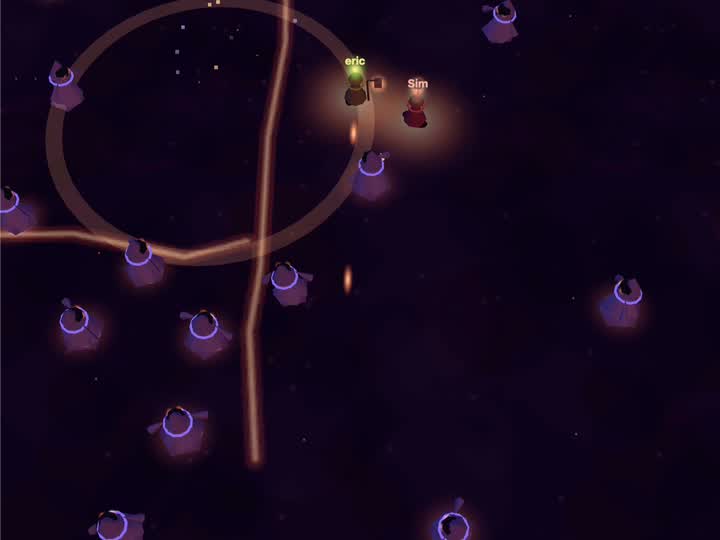
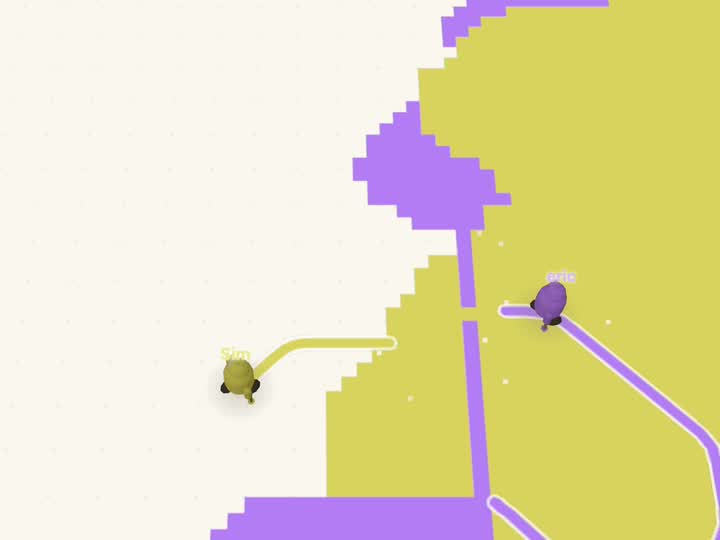
Every one of these was built by an agent against the same SDK on this page, checked with two players in a real room, and shipped to a permanent world page. Click one — no account, no download.

Every game in the gallery →

Questions people ask before their first one

Can Claude actually make a multiplayer game, or only the single-player part?

Claude writes the whole game, multiplayer included — what it can't do is run the server that game needs. antics is that server: rooms, real-time state sync, presence, events, leaderboards and hosting, behind a two-line call. So the part Claude can't do from your laptop is the part it never has to write.

Which Claude model should I use to make a game?

Opus 5. In our builds it makes the better-looking game and costs roughly half what Fable 5 does, so you get more attempts out of the same evening. It matters more here than on ordinary code: one build has to hold physics, input, netcode, round structure and art direction in its head at once and keep them consistent across hundreds of lines, and smaller models write each of those plausibly and none of them together. In Claude Code, switch with /model before the first prompt. A lighter model is fine once the game exists and you're just asking for a bigger goose.

Why can't Claude just host it itself?

Because a multiplayer game needs a program that's awake when your friend clicks the link, and Claude runs on your machine, in a session that ends. Multiplayer isn't a feature you bolt onto a browser game — it's a second program in the middle that every player's browser talks to. antics runs that program; the MCP is how Claude reaches it without you touching a dashboard.

Do I need Claude Code, or does claude.ai work too?

Both work, differently. Claude Code (or any agent that can run a tool server on your machine) connects antics and can ship and check the game on its own. On claude.ai you ask for one self-contained HTML file that imports the antics SDK, then paste it into the deploy box on make a game — same link at the end, minus the automation.

How does Claude know the game works if it can't see it?

It runs the deployed game headlessly in a real room, with two players in that same room, and reads the live state back as numbers while a virtual clock fast-forwards the match. Numbers beat eyeballing pixels: they catch a transient that a final screenshot hides, and they turn "does the sync work" into a measurement instead of a hope.

Is it free to make a multiplayer game?

Yes. Sign in — one GitHub click, no card — and you get the version worth sharing: links that never expire, leaderboards that persist between sessions, rooms that hold 16 players, and up to 25 live at once. It's also what lets Claude keep shipping updates underneath a link you've already posted.

Don't want to sign up yet? You don't have to. Deploy with no account and you get a keyless room: instant, up to 8 players, live sync and an in-room leaderboard — but the link is welded to that exact build, and the room is gone after 24 hours. Perfect for finding out whether the idea is fun. Not what you want in the group chat on Friday. Full comparison →

The one thing we can't hand you is Claude itself — you bring your own access, we don't resell it.

Can Claude update the game after I've shared the link?

Yes, but which link you shared decides what happens. A keyless /g/<hash> URL is pinned to the exact bytes deployed, so a redeploy is a genuinely new link and everyone holding the old one stays on the old build. Deploy under a project and share the /p/<slug> URL instead — it mints rooms on the latest deploy, so you can keep shipping.
Go type a daft idea at Claude.

Geese stealing sandwiches. Everyone burning the rice. Racing on a desk. The setup is one command, the game is one sentence, and the ending is four people in the same room from four different sofas.

How it works, step by step
claude mcp add antics -- npx -y antics-mcp