NEW GAMES EVERY DAY · 2 MINUTES EACH · NO DIGNITY
Silly multiplayer games to play with friends. Or make your own.
I want to play
Fun games you've never heard of, new ones every day. 2mn to learn, and the group chat is yelling by round three.
37 LANDED THIS WEEK. NOBODY ASKED FOR ANY OF THEM.
Pick a game →I want to make one
Say the idea out loud, an AI writes every line — that's vibecodingvibecoding, nounDescribing the thing you want in plain English while an AI writes every line of code. If you can send a text message, you can do it.. Describe your game, play it with friends minutes later.
21 games, made by people like you
Every game runs two ways: jump into the open world and get matched with strangers, or open a friend room and send the link to your group chat.
Midnight Midway
Three carnival games · one pier
Sky Dash
Storm-front race · the leader breaks the road
Inkline
Territory paint · close the loop
Mykonos Island
Cozy voxel building · no scores
 1.2K PLAYSOPEN WORLD
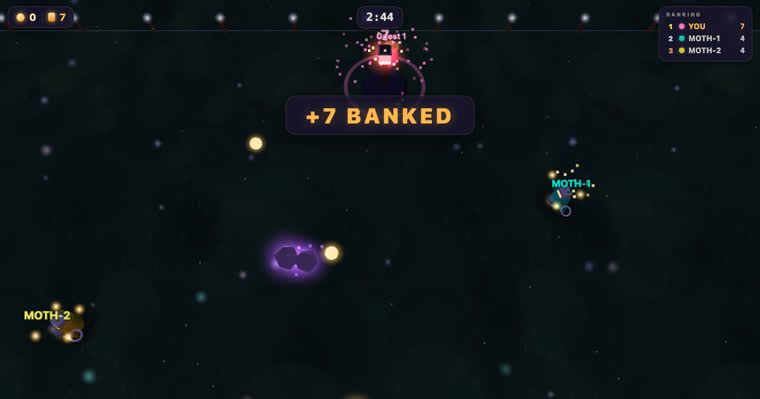
Orb Rush
Firefly race at dusk · bank the light
Ember Tide
Co-op survival · hold until dawn
Sunset Drive
Landmark dash · golden-hour Taipei
Flock Party
Flappy battle royale · last bird flying
Redshift Arena
Wireframe dogfight · 3 minutes
Siege Line
Versus tower defence · gold buys spite
 310 PLAYSOPEN WORLD
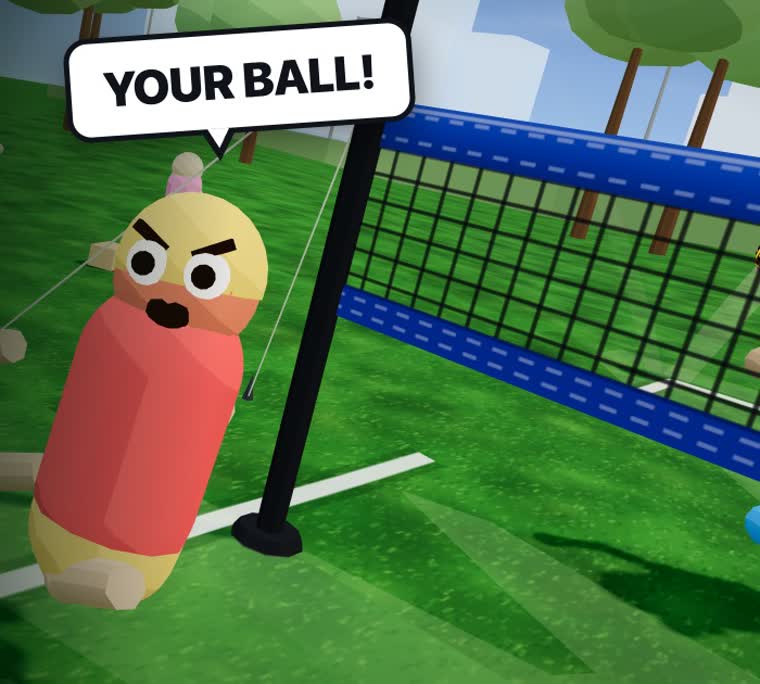
Bump Set Bonk
2v2 park volleyball · one button
Every game has a world and a room
Two links, both made for you automatically. One to meet strangers, one for the group chat.
A public world
Its permanent URL, where everyone plays together and one global leaderboard decides who's best. This is how strangers find your game.
A private room
A fresh link for just you and your friends. Paste it in the group chat — nobody installs anything, nobody signs up.
This one was one sentence.
Somebody typed one line into Claude Code: co-op delivery on a tiny planet. Four minutes later eight strangers were yelling at each other about bubble tea.
Questions people actually ask
I can't code. Can I still make a game?
Yes, and most people here can't either. You describe the game to an AI — Claude Code, Codex, Cursor — and it writes every line. That's vibecoding, and a first game usually takes about five minutes. Grab a starter idea.
Do my friends need to download anything?
No. Every antics game is a browser game — you send a link, they click it and they're in. No install, no launcher, no account, phone or laptop.
Is it really free to play?
Yes — every game listed here is free, and building one is free too: 8-player rooms with no account at all, 16 players and permanent links once you sign in.
How do I add multiplayer to a game I vibe-coded?
Connect the antics MCP server, or hand your agent our llms.txt. It adds rooms, live state sync and a leaderboard, deploys the game and hands back the link. See the one-prompt setup.
Which AI coding agents work with antics?
Claude Code, Codex and Cursor have one-line MCP setups. Any agent that can read a docs file and write JavaScript works — the whole API is one file.
What's the difference between a world and a room?
A world is the game's public URL with a global leaderboard — anyone can join. A room is a fresh private link for a specific group of friends.
Do I need to run a server?
Never. Your agent owns the game code; antics runs the game servers, matchmaking, state sync and hosting. You get a URL, not a 3 a.m. pager alert.